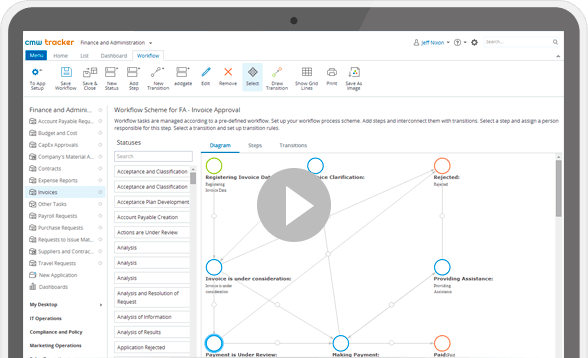
Easily build your first processes and enjoy the results within days, not months. Eliminate extra-workload and reduce business costs.

The Best Business Process Management Software in 2023
CMW Platform is rated #1 BPM suite in 2023 to start your business automation.
Top Workflow Solutions by CMW Tracker
Reinforce your business with the most demanded process automation solutions.

Make your capital expenditure request and approval processes transparent and efficient within days, not weeks.

Centralize document management including discussions, related task history, automated document transfer, and more.

Configure web forms and automate approval workflows for handling capital and operational expenditure, and other approval processes.

Bring visibility into daily HR operations, automate HR workflows for employee onboarding, administrative assistance, and more.

Build a customer-first business with automated order processing and fulfillment implemented within hours.

Streamline workflows for IT support requests, access approvals, change management, or any issues resolving before they have an impact on business.

Create different forms for various claim types, automate your work with clients' requests and gain higher visibility into claims handling.

Automate invoice, budget, accounts payable management and more to dramatically reduce operational expenses.

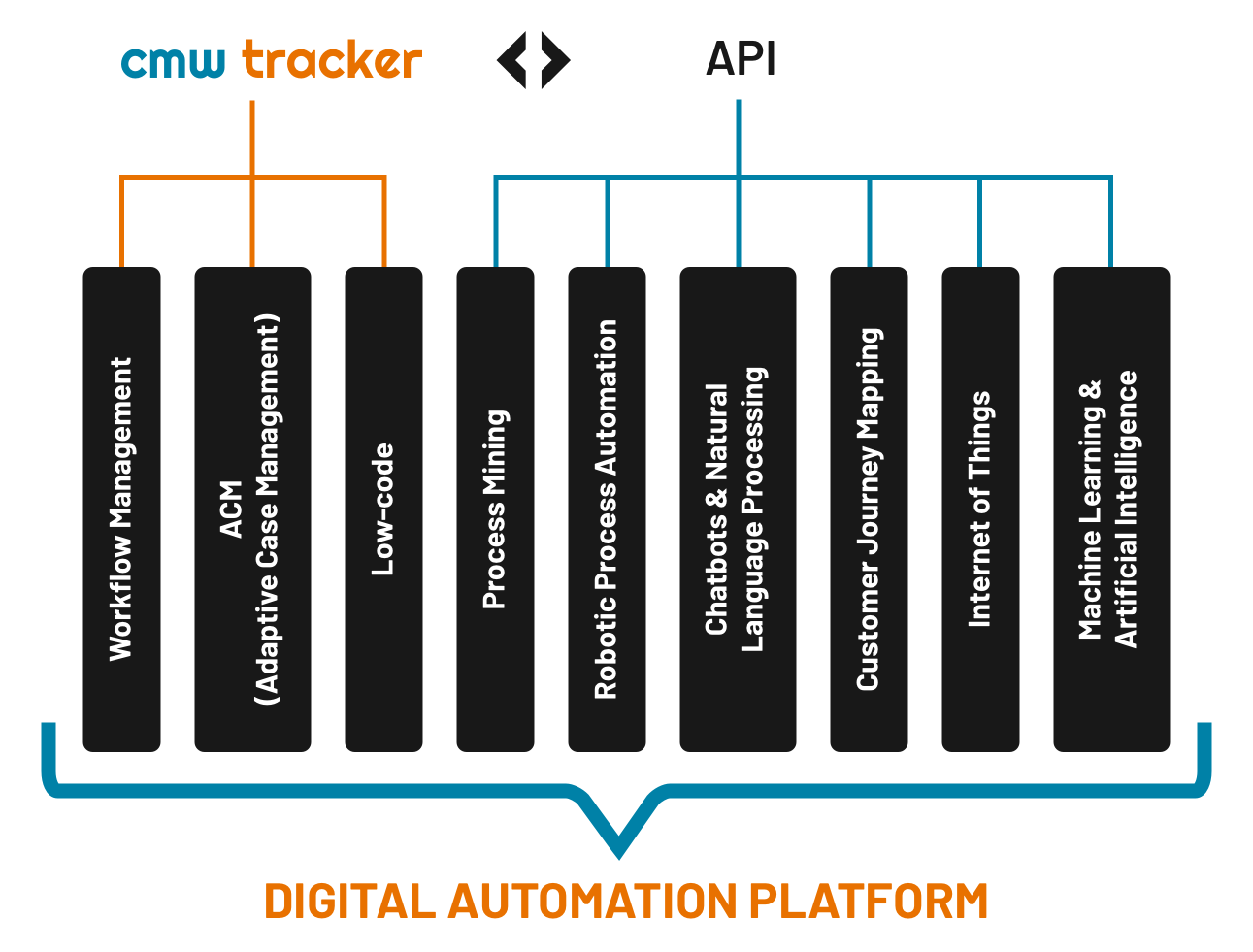
CMW Tracker comes with numerous process management capabilities and tools which make it more than just a workflow management software:

We highly appreciate our client’ trust and kind feedback, which helped us being named the Top Rated workflow management software at TechTimes.
Get advantage of on-the-fly changes to request-forms and automated CapEx approval workflows:
Request your trial today or contact us for demo.
Design, roll out and visualize processes quickly via user-friendly graphical builder
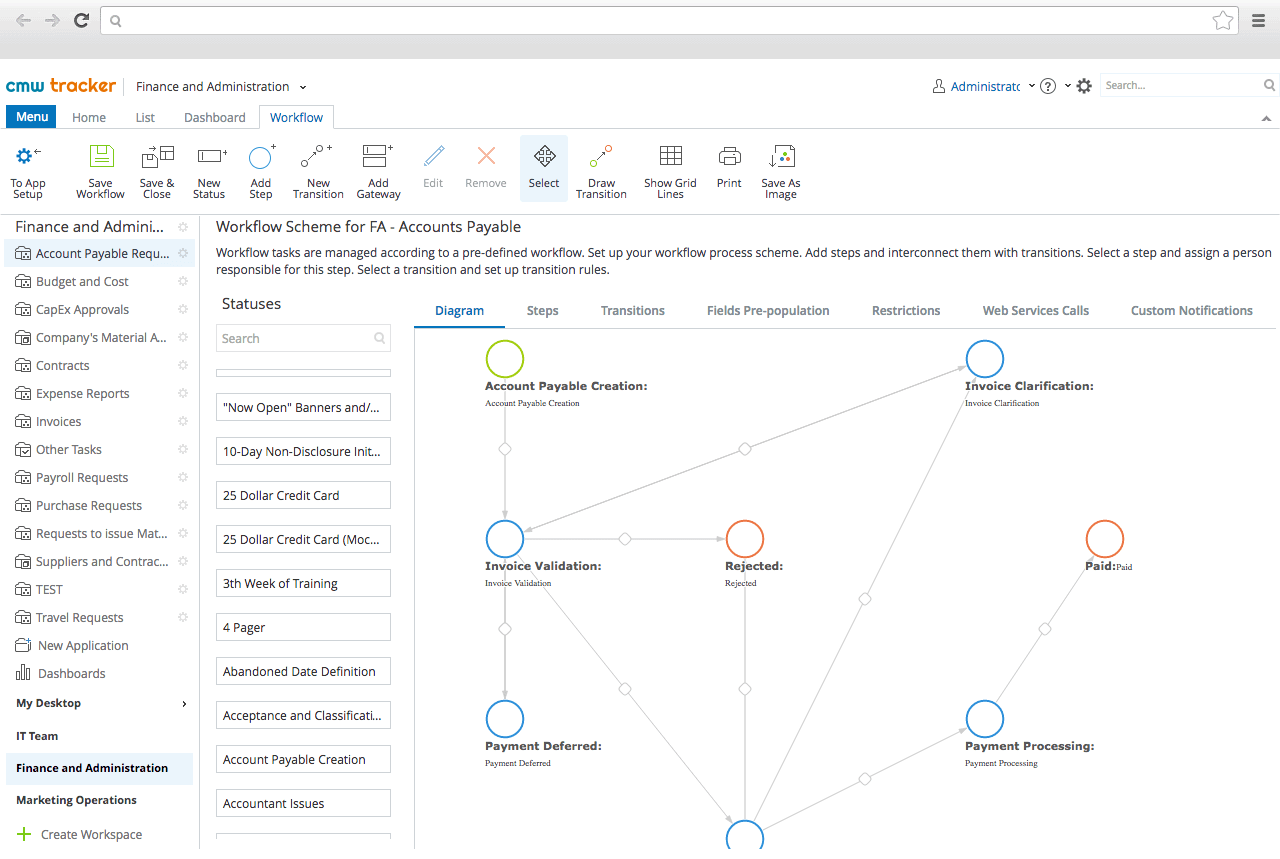
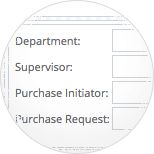
Easily design and configure web forms. The graphical UI allows adding specific data fields and layouts with drag-and-drop simplicity.
Hand in business processes to business people. Customized web forms are must-have for gathering information from users during any kinds of approval, order or change request. Eliminate manual data entry and error-prone processes and enjoy reliable process execution.
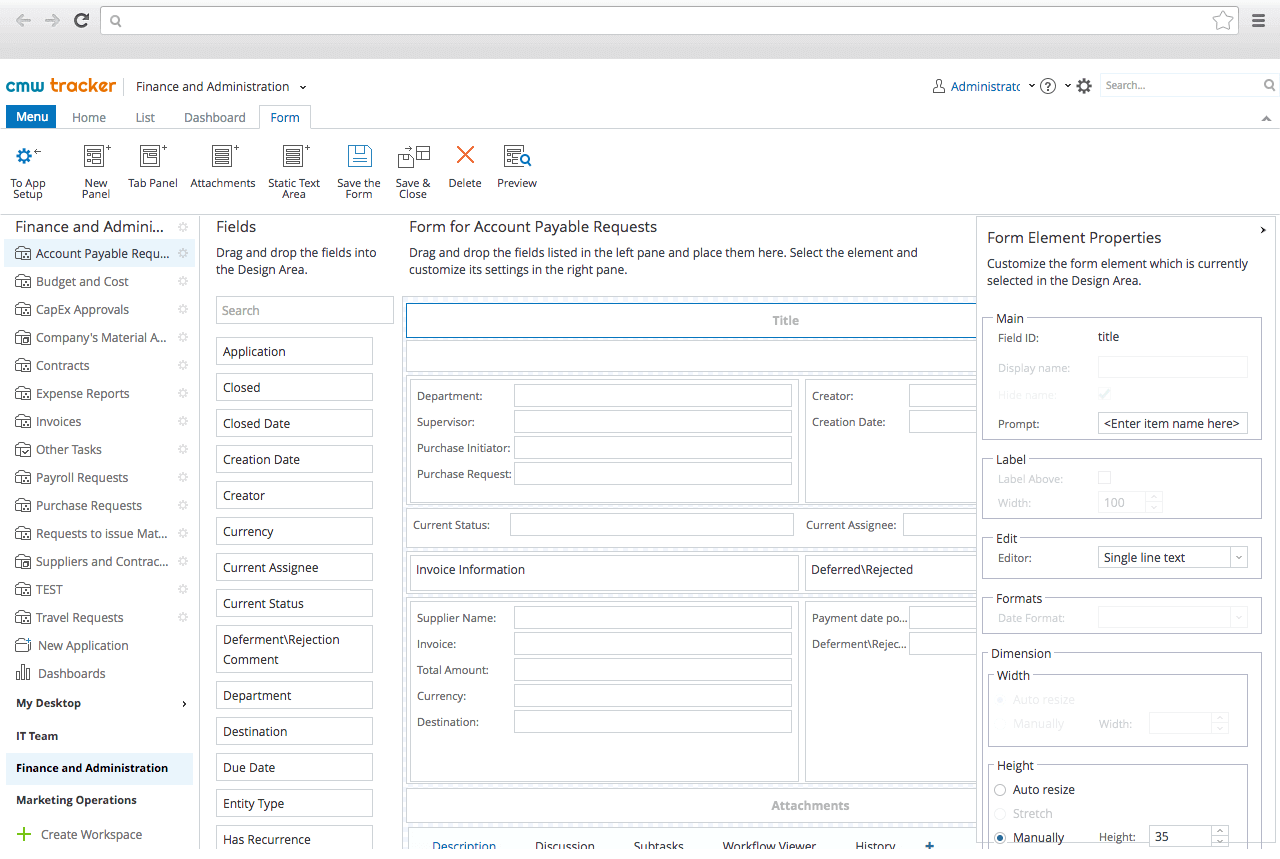
Have a powerful, automated workflow up and running within days, not months, thanks to a full set of no-code features:
Cloud-based Process Automation tool is designed to increase transparency and productivity. Unify tasks, teams and resources into a single environment with drag-and-drop simplicity. There’s no hidden limitations and charges — you can create and automate as many processes as needed.















CMW Lab flexibility is outstanding. It can adapt to custom requirements and processes, and enables us to automate and manage our work more efficiently. And that is exactly what we were expecting from workflow software.»

CMW Tracker goes beyond the scope of traditional task control and supports both process and task management:
Unified task and process management provides a unique capability of receiving, tracking and handling team tasks regardless of their origin.
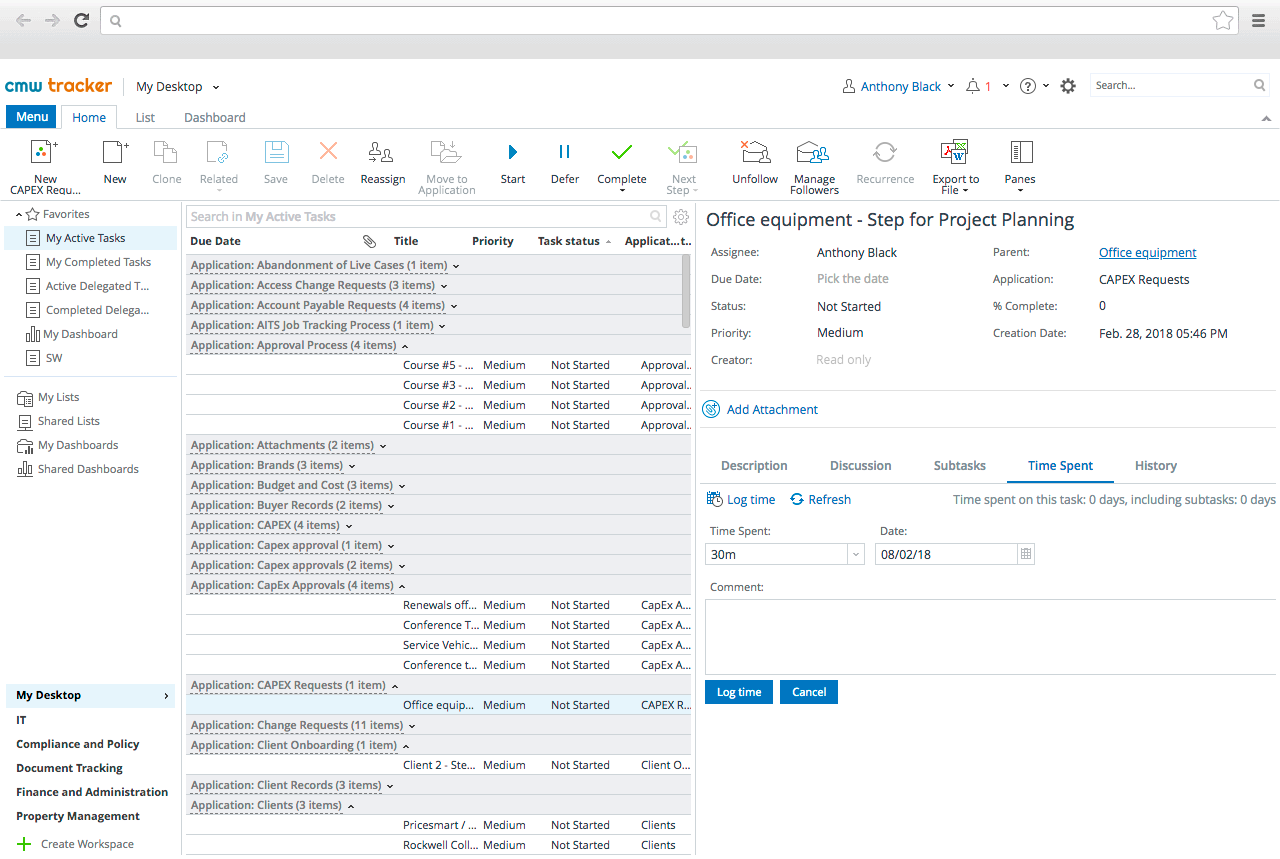
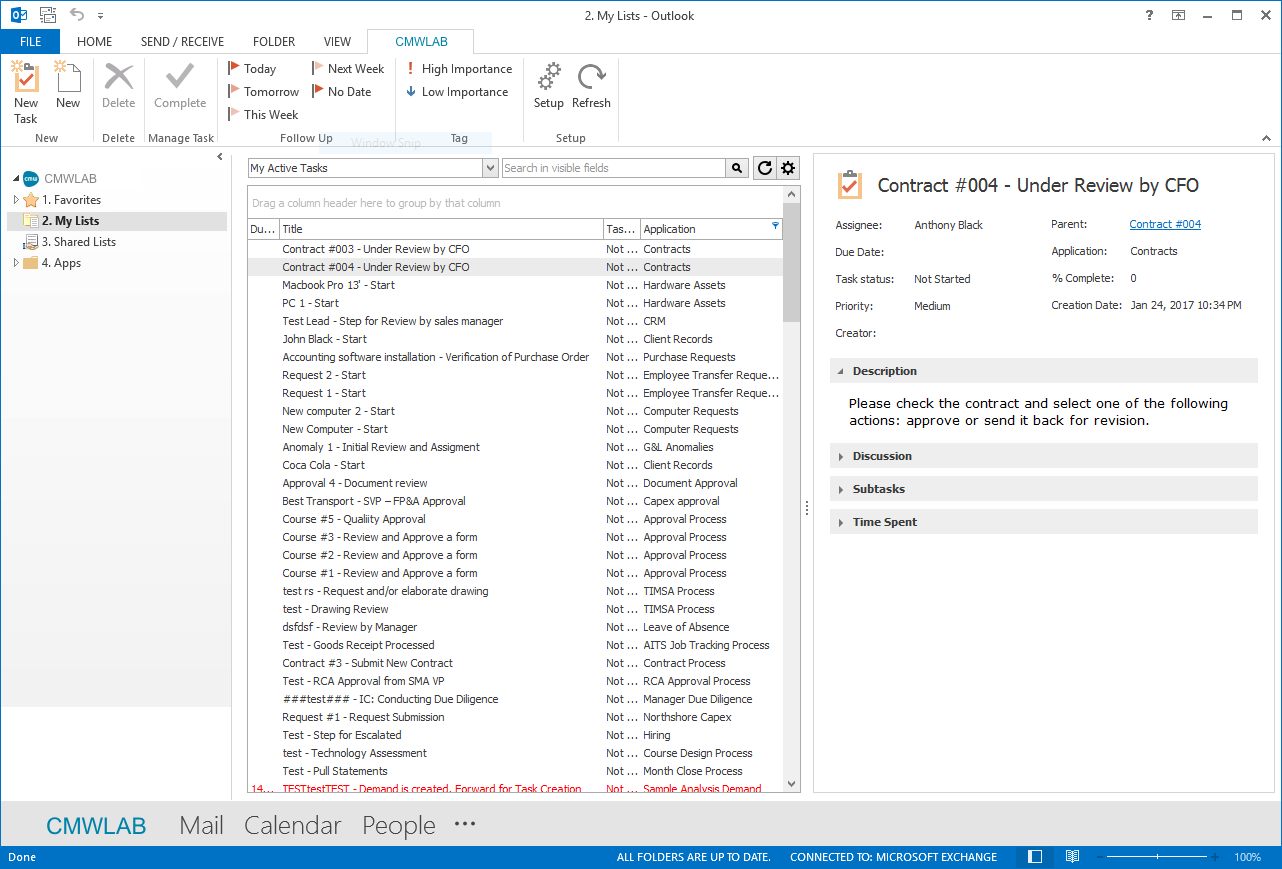
Work on tasks and collaborate with your team right from your Outlook.
Combining your email and workflow apps into a unified Outlook operations tool. This cloud-based solution allows employees to conveniently manage their tasks. Tasks are managed directly from their email making it easy to track requests and approvals.
Place Excel spreadsheets on the retired list and get full visibility and real-time control over the work progress. Become a project manager with execution and control of group task flows within a single web-based tracking tool.
Workflow automation software by CMW Lab provides transparency of task flows. Extended reporting and notifications, operations analysis, and coordination features makes the system the most user-friendly. It’s never been easier to achieve full control of daily activities without scattered gantt charts and kanban boards.
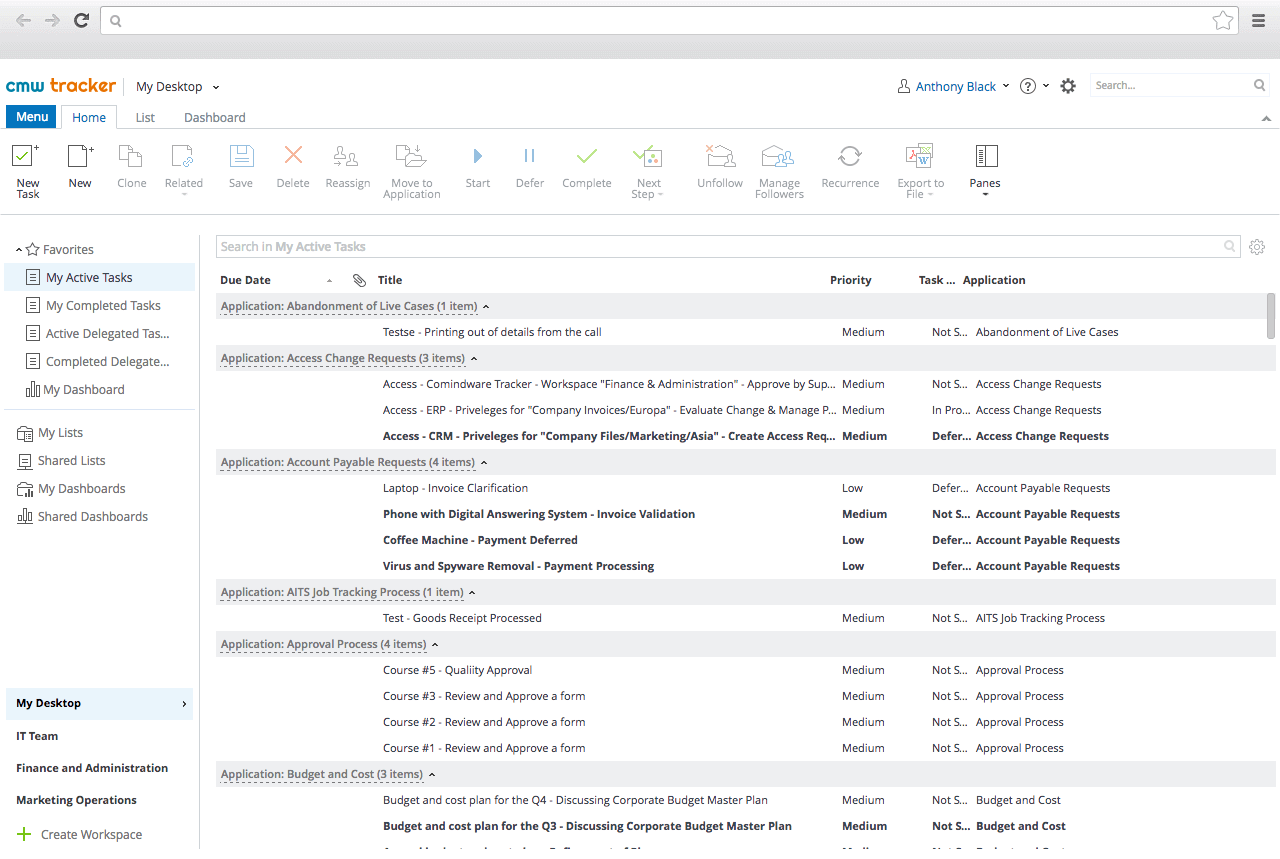
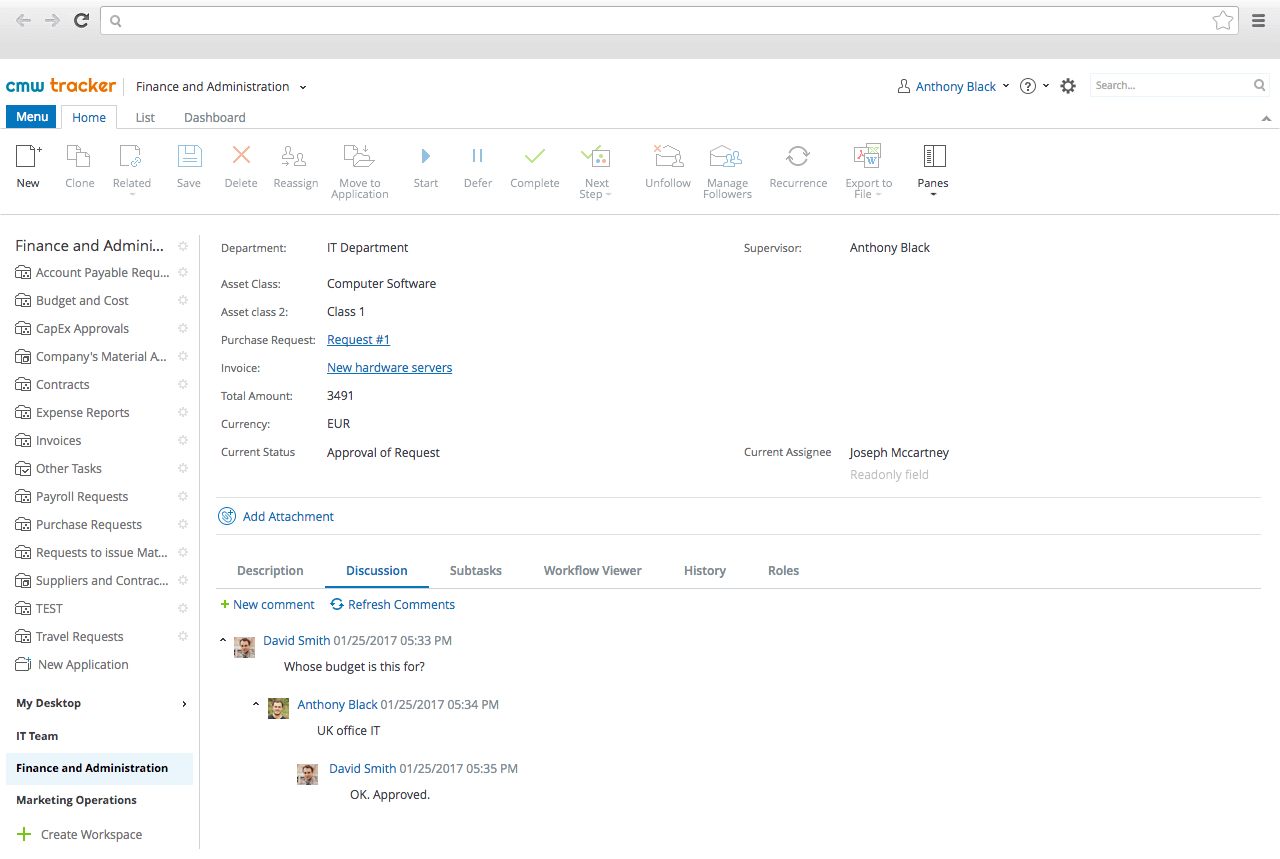
Improve your team efficiency and performance thanks to a single work environment for employees, automated processes, and knowledge. CMW Tracker is designed to reduce chaos and be a single source for making business decisions.
The CMW Lab workflow system provides a full set of collaboration tools — from information exchange to easier task tracking. Maximize the benefits of social networking, reducing the distractions of traditional social media platforms.

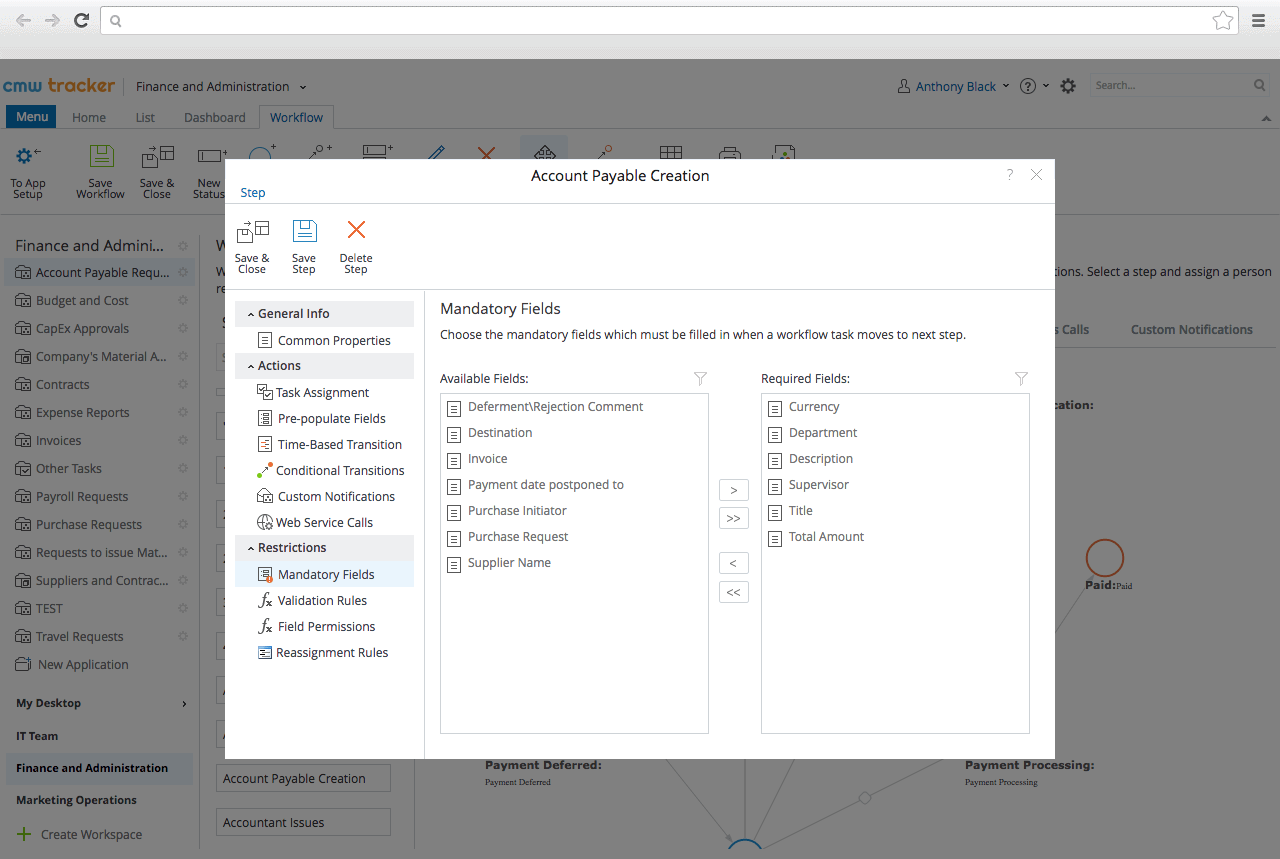
CMW Lab software is empowered with a SaaS workflow engine helping to orchestrate tasks and controlling the correct workflow execution. It is a standard for every automated workflow management system.
Set the business rules to guide the path of the workflow and modify them on-the-fly. CMW Tracker automatically orchestrates tasks, ensures proper workflow execution and timely workflow goal completion.
Our workflow management software enables integration with enterprise applications such as ERP, CRM, Document Management and other:
CMW Tracker provides advanced integration capabilities to coordinate data exchange between different applications and build an entire enterprise environment.
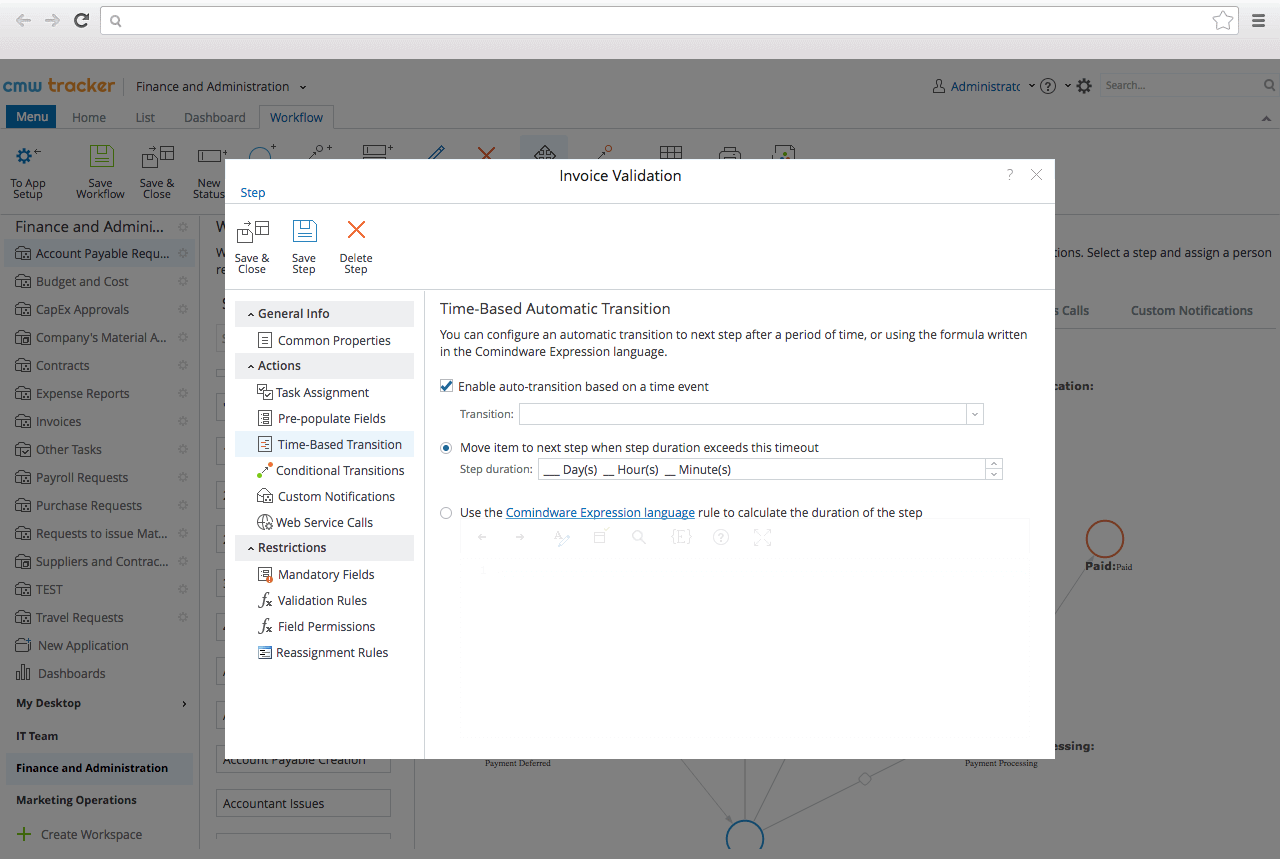
CMW Tracker enables business users to reduce workflow completion costs and time, and provide better services without dependence on IT. Workflow optimization software by CMW Lab lets making seamless changes to processes with no interruption of your business operations:
CMW Tracker makes BPM benefits fully available for users with no coding skills.
Business process management system powered with workflow management tools by CMW Lab can be customized the specially to user needs:
Enjoy the ability to drag-and-drop elements into the workflow app. Customize the interface and make a web-based working environment even more convenient.
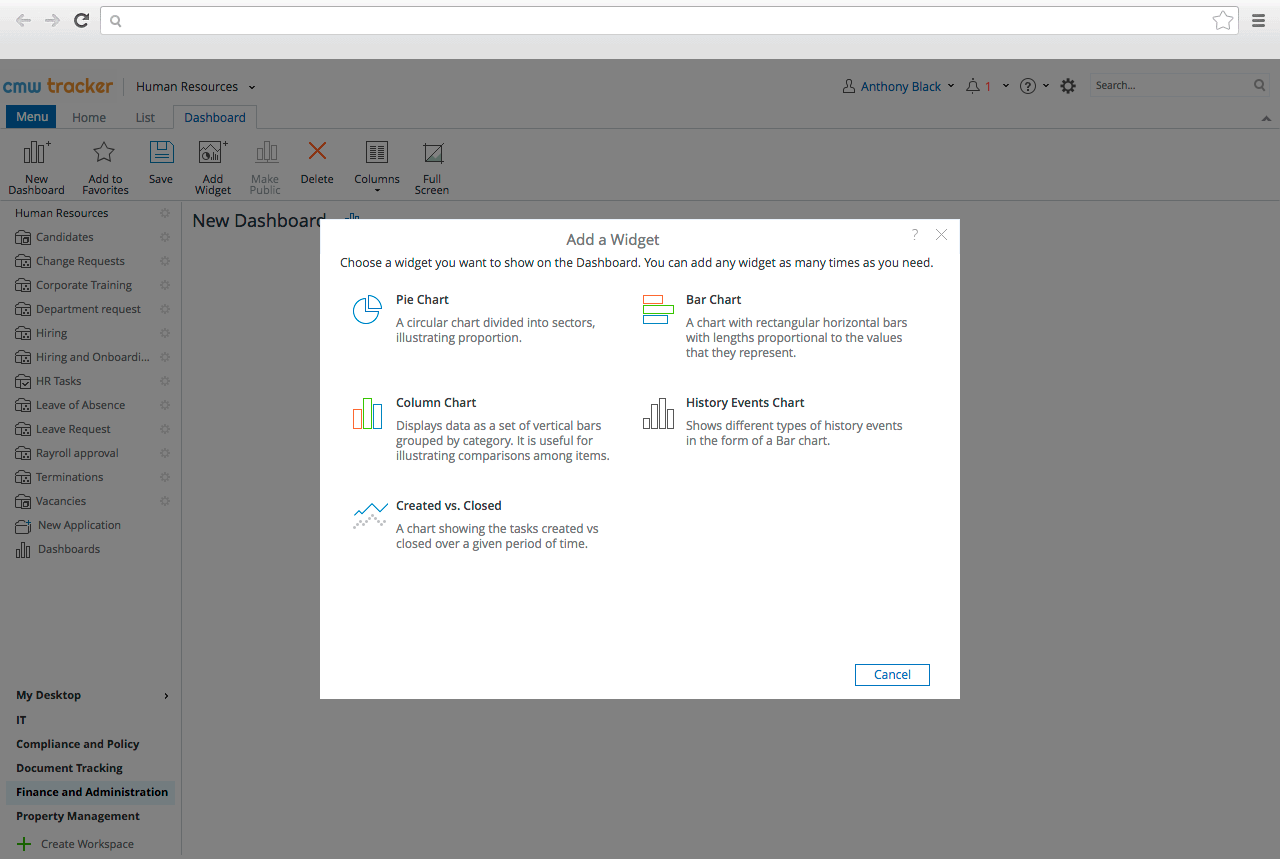
Business Process Management solution by CMW Lab enhances individual and corporate productivity:
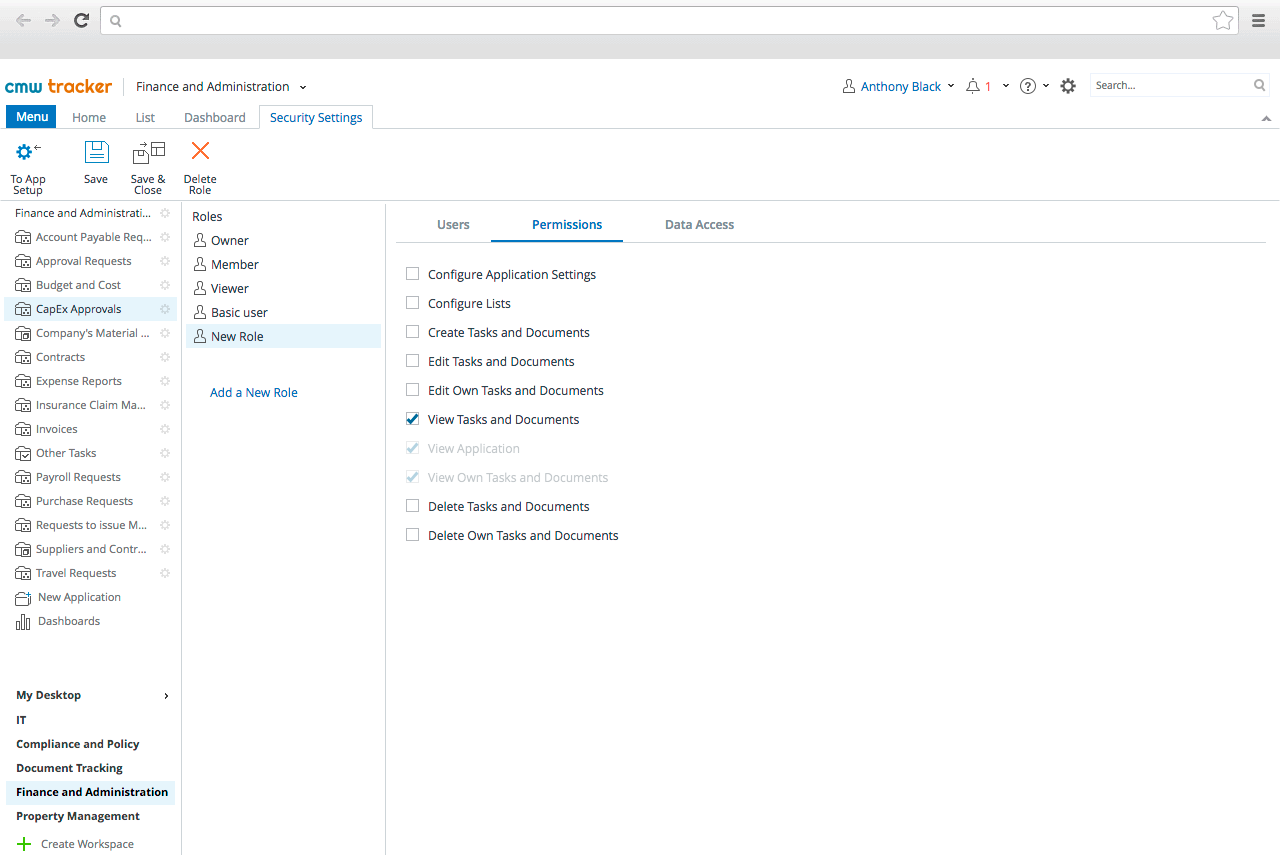
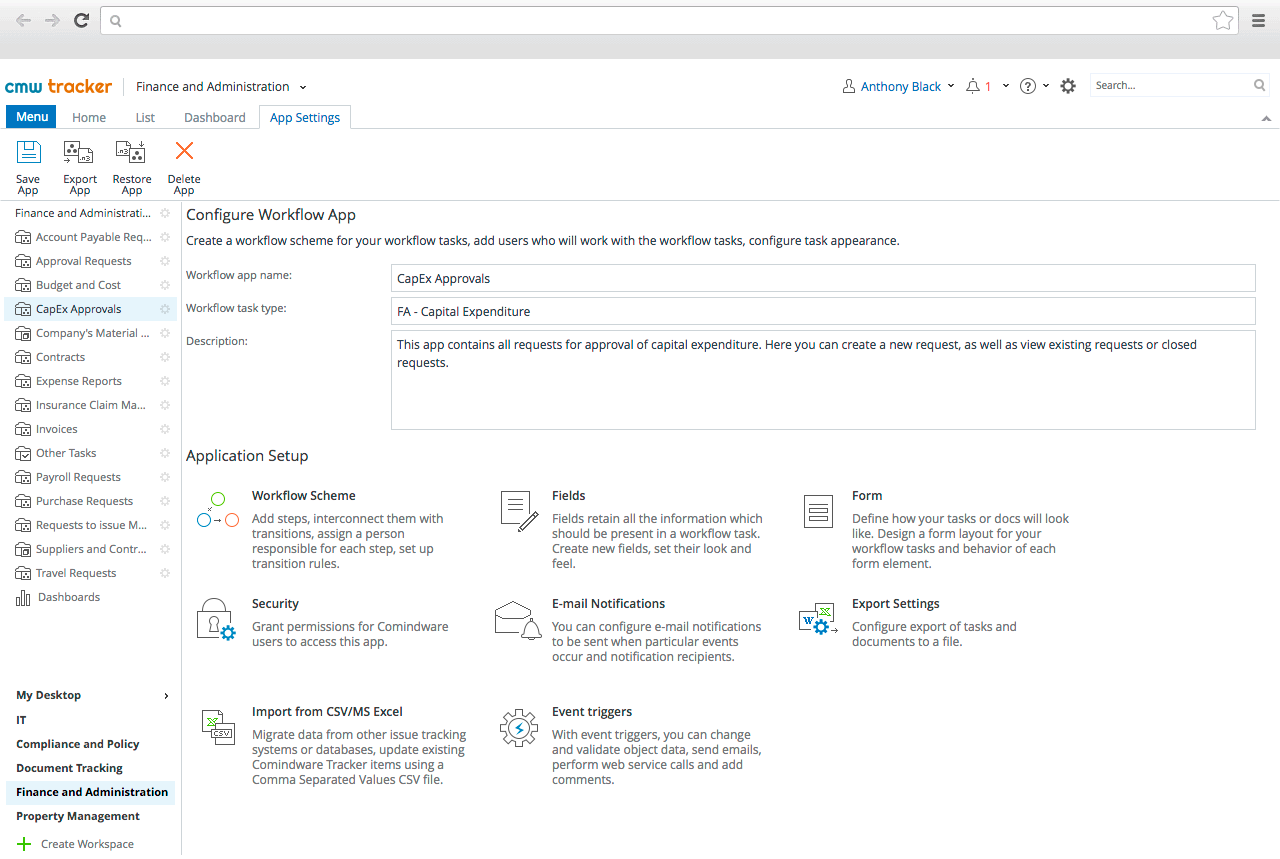
Workflow app is a software application that includes a workflow scheme, users who work with the tasks, configuration of task appearance. Advanced CMW Tracker workflows allow users to configure e-mail notifications to be sent when particular events occur. Moreover, you can create a no-code workflow application, design a workflow scheme, and configure notifications with drag-and-drop simplicity.
A “document workflow” is a workflow app used to create, track, edit, store and manage documents associated with a business process. For example, purchase order handling, expense report approval, policy change management ,etc. In addition to basic document workflow capabilities, CMW Tracker allows using document templates, automatic document verification, and setting up automatic notifications.
The most common workflow app types are:
When choosing the right process software for your company, there is no unified approach.
Yes, CMW Tracker enables non-code workflows and forms update on the go only by citizen developers. Moreover , the CMW Lab team provides complete support during the full workflow app life cycle.
If you want to see the full capabilities of CMW Tracker you can request a demonstration at the Contact us page. Please, describe your specific use case in the demo request and our expert will customize the demonstration for you.
Related Topics